Guide 6 · on a PC
Add your staff
A PIN for each person, and what each role can do.
- 1
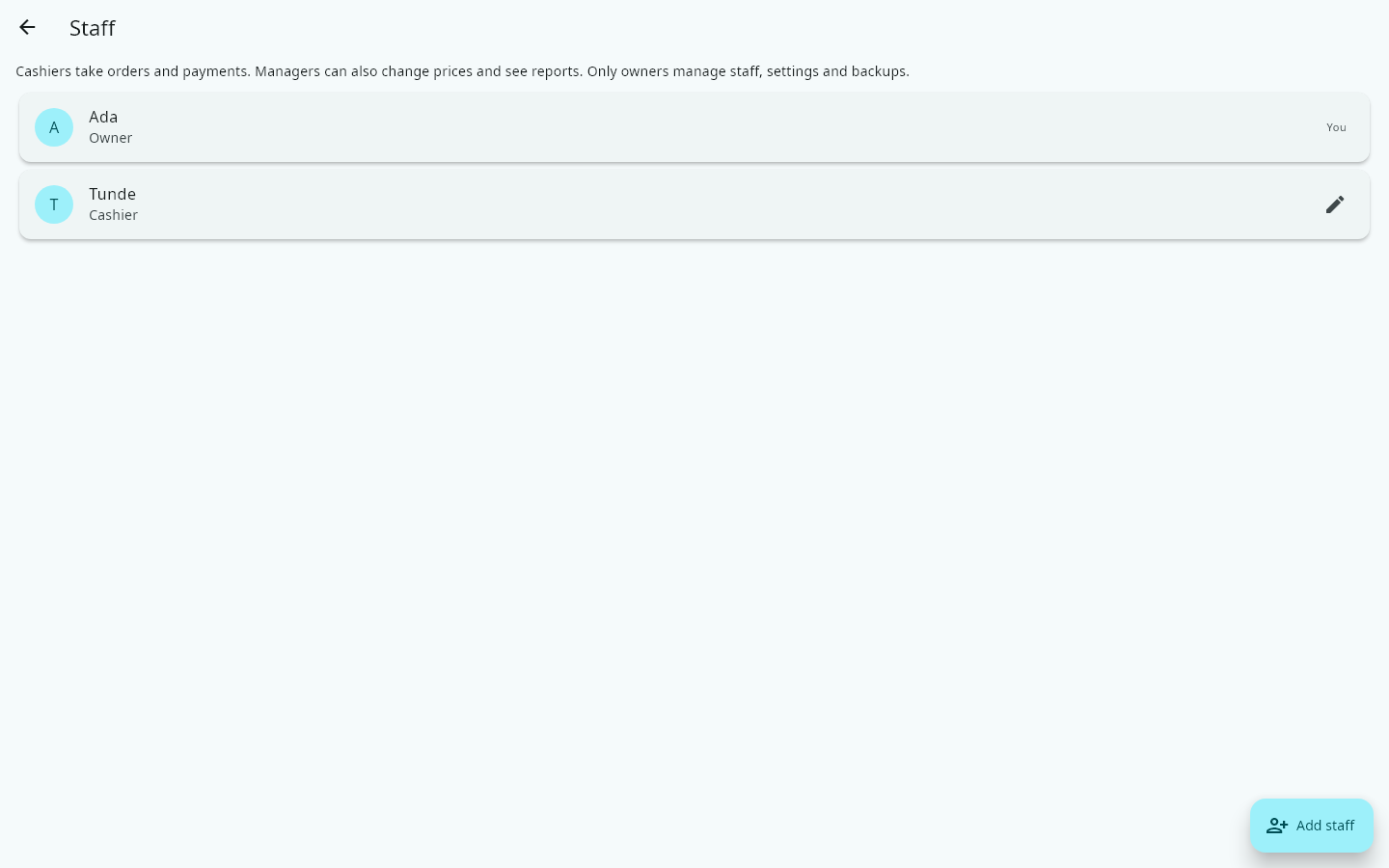
Open More → Staff → Add staff. Type their name, choose Cashier or Manager, and set the PIN they will sign in with.
- 2
Cashiers take orders and payments, and give only the discounts you set up. Managers can also change prices, refund and cancel. The owner can do everything, including staff and settings.
- 3
Everyone signs in with their own PIN, so every order and payment shows who handled it. More → Activity log lists discounts, refunds, cancellations and changes, with who did them.