Guide 7 · on a phone
Use your phone and PC together
See the counter's orders on your phone.
- 1
Sync is on from the start on your first device, usually the shop PC.
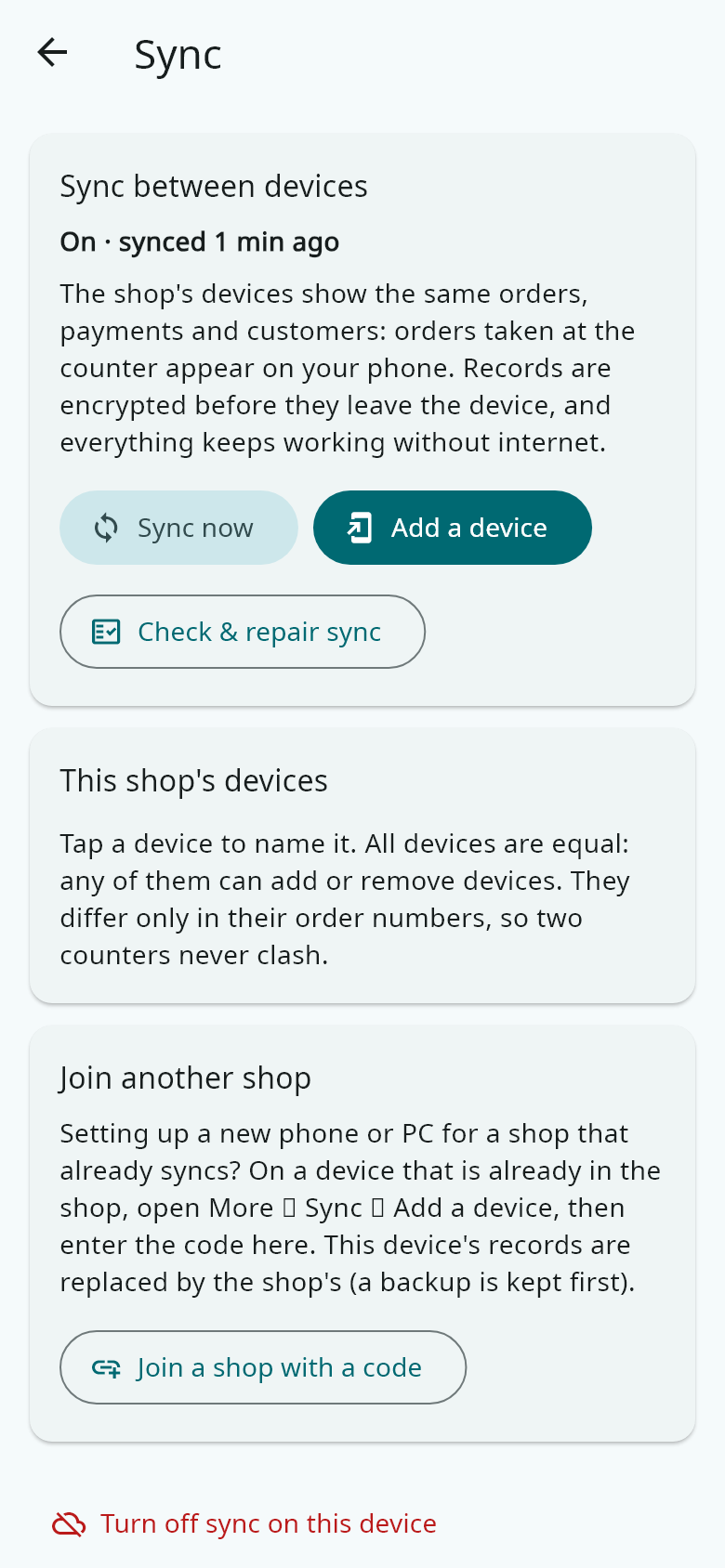
- 2
On that device, open More → Sync → Add a device. A code and a QR code appear.
- 3
On the other phone or PC, install Hangerdeck, open More → Sync → Join a shop with a code, and type or scan the code.
- 4
Orders, payments and customers now show on both, usually within a couple of minutes whenever there is internet.
- 5
Your licence covers 2 devices. Add more at hangerdeck.com/add-device.