Guides
  1. All guides
  2. 1.Get started
  3. 2.Set up your prices
  4. 3.Take an order
  5. 4.Ready, payment and collection
  6. 5.Sell packages
  7. 6.Add your staff
  8. 7.Use your phone and PC together
  9. 8.Back up your records
  10. 9.Print receipts and tags
  11. 10.Buy or renew your licence

Guide 9 · on a phone

Print receipts and tags

Receipt printers on a phone or PC, and garment tags.

  1. 1

    Open More → Shop settings and choose your receipt paper: 58mm, 80mm or A4.
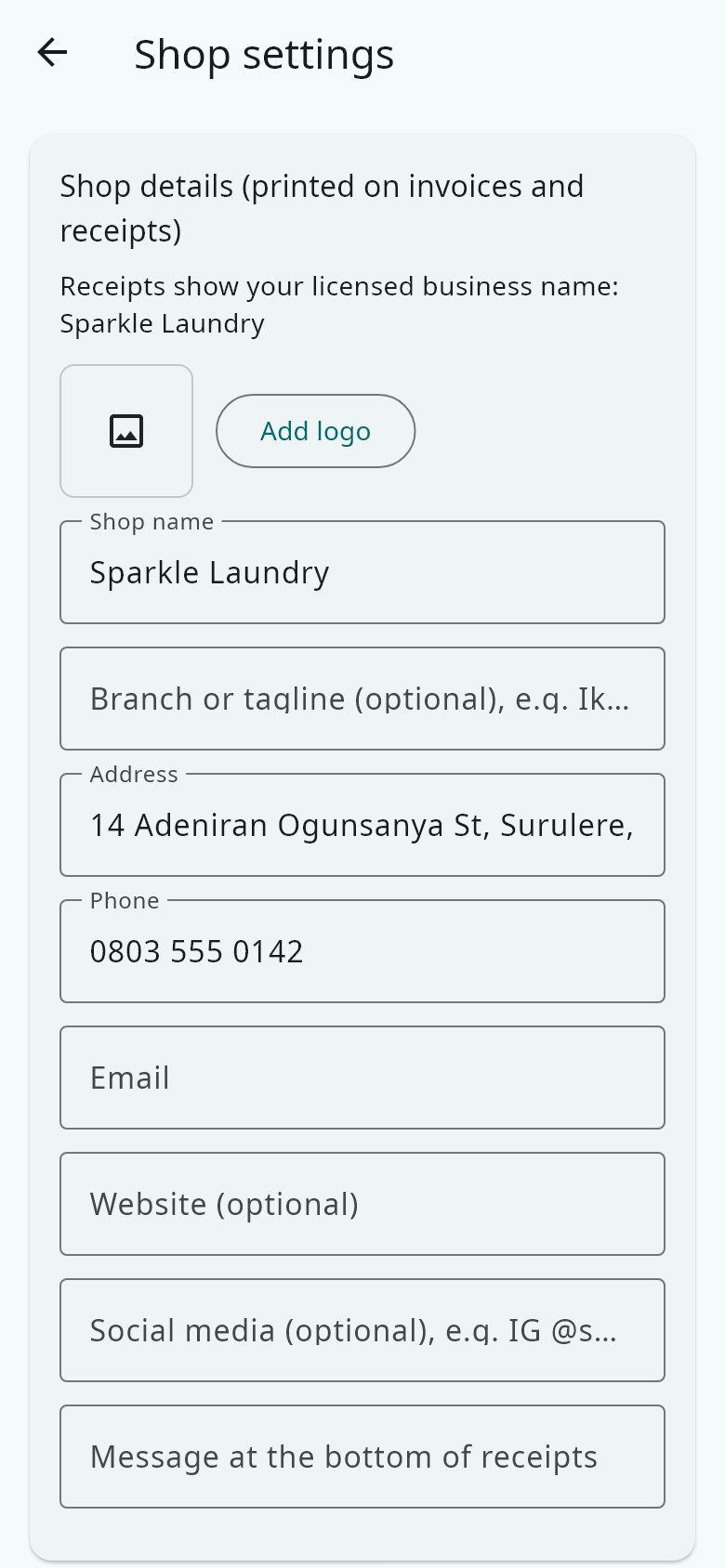
    Open More → Shop settings and choose your receipt paper: 58mm, 80mm or A4.
  2. 2

    On a phone, pair your Bluetooth receipt printer in the phone's Bluetooth settings first. Then choose it in Hangerdeck and press Test print.

  3. 3

    On a PC, install the printer's Windows driver. Hangerdeck prints to it like any printer.

  4. 4

    Open More → Garment tags to choose how tags look, and whether every item must be checked before the clothes go home.
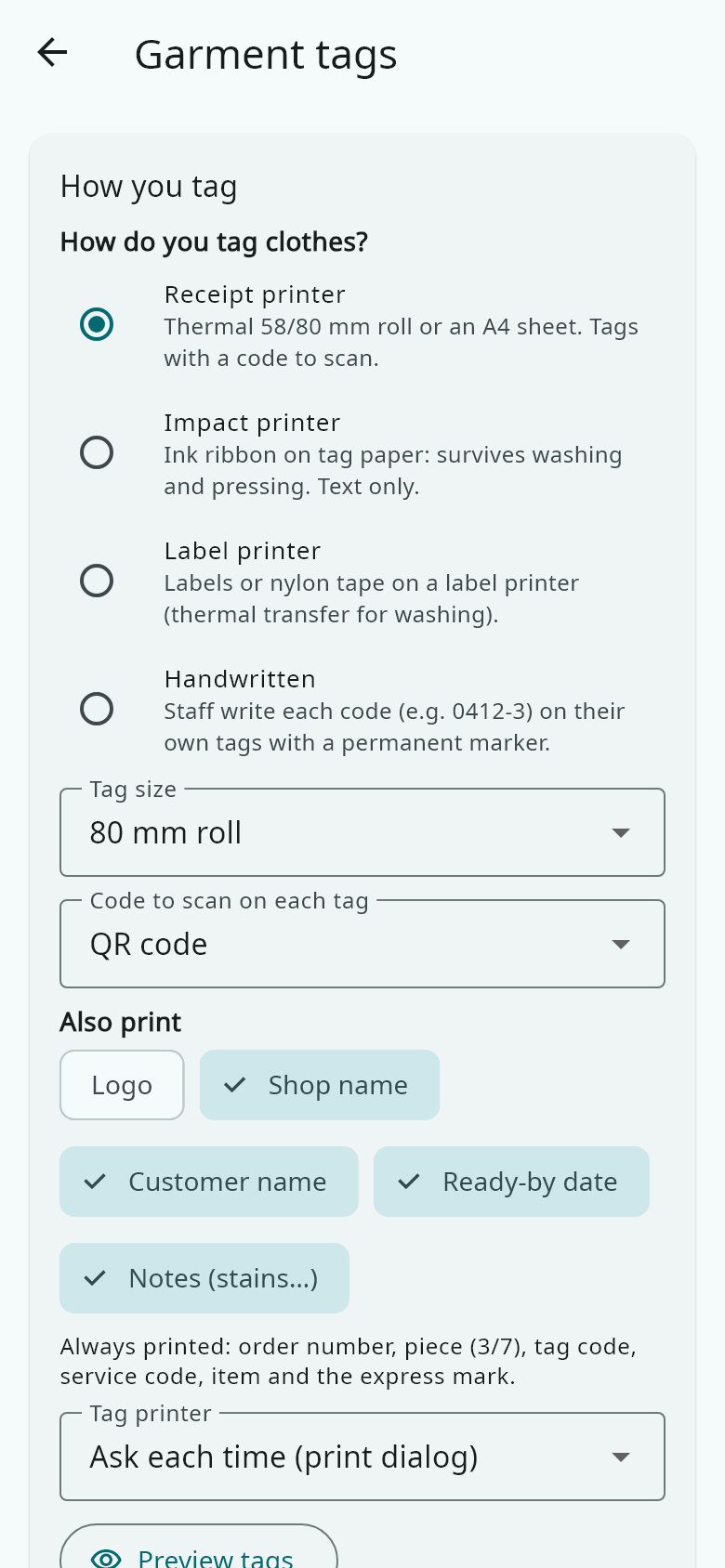
    Open More → Garment tags to choose how tags look, and whether every item must be checked before the clothes go home.