Guide 2 · on a PC
Set up your prices
Your items, services and prices, by hand or from a spreadsheet.
- 1
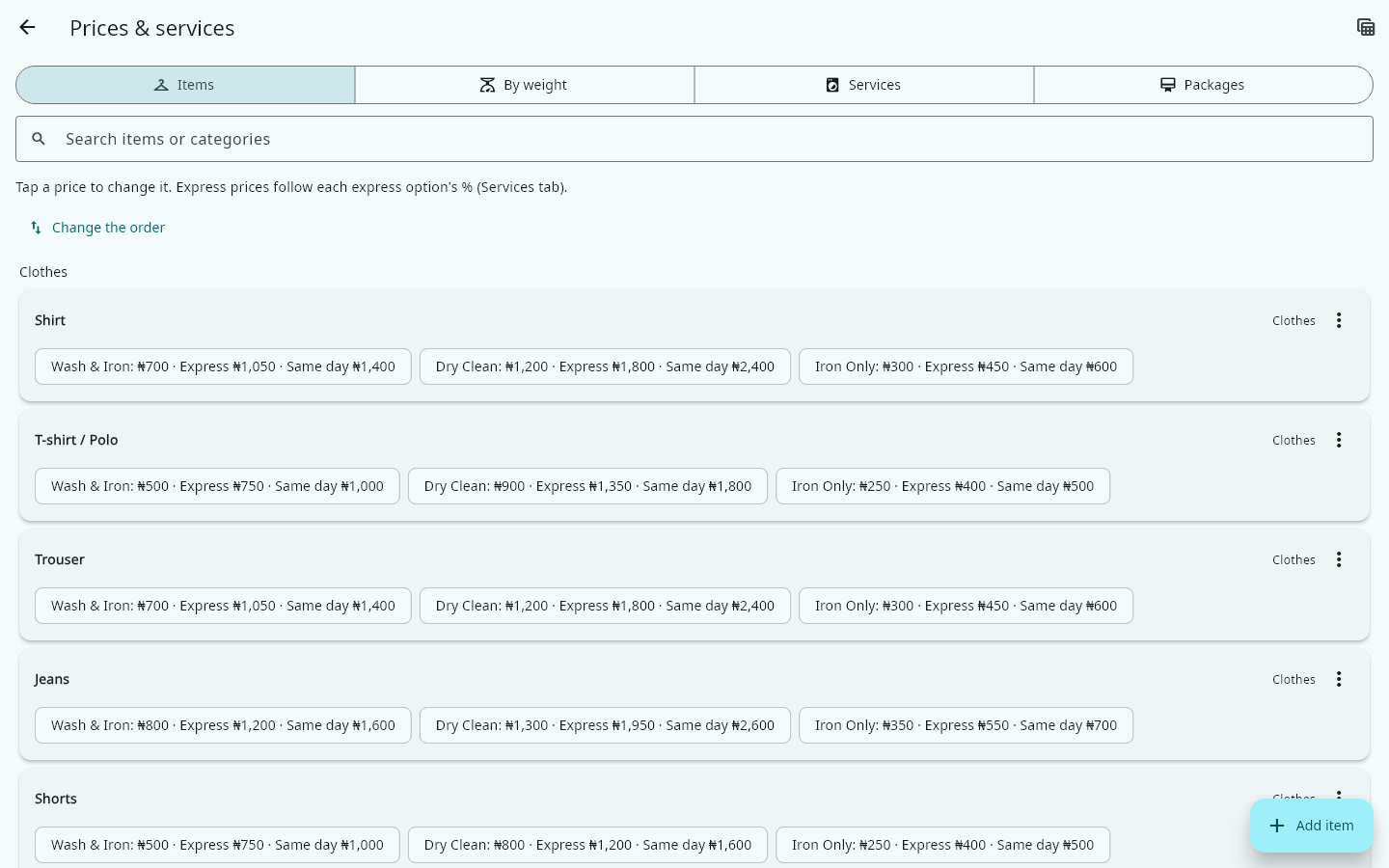
Open More → Prices & services. Your items are grouped by category, with a price for each service.
- 2
Tap a price to change it. Choose Not offered for a service you don't do for that item.
- 3
To add an item, tap Add item, type its name and pick a category, then set its prices. For an item like one you have, use its ⋮ menu → Duplicate: a copy with the same prices, ready to rename.
- 4
Long price list? Tap the spreadsheet button at the top → Download a template (CSV). Fill it in with Excel or Google Sheets, then come back and tap Import price list (CSV). You see what will change before anything is saved.
- 5
Express and Same day prices follow the percentage you set for each option in the Services tab, for example Same day +100%.