Guide 3 · on a phone
Take an order
A drop-off from start to finish, with the invoice and tags.
- 1
On the Counter, tap New order. Type a few digits of the customer's phone number or their name and tap them. New customer? Tap Add as a new customer and type their name and phone.
- 2
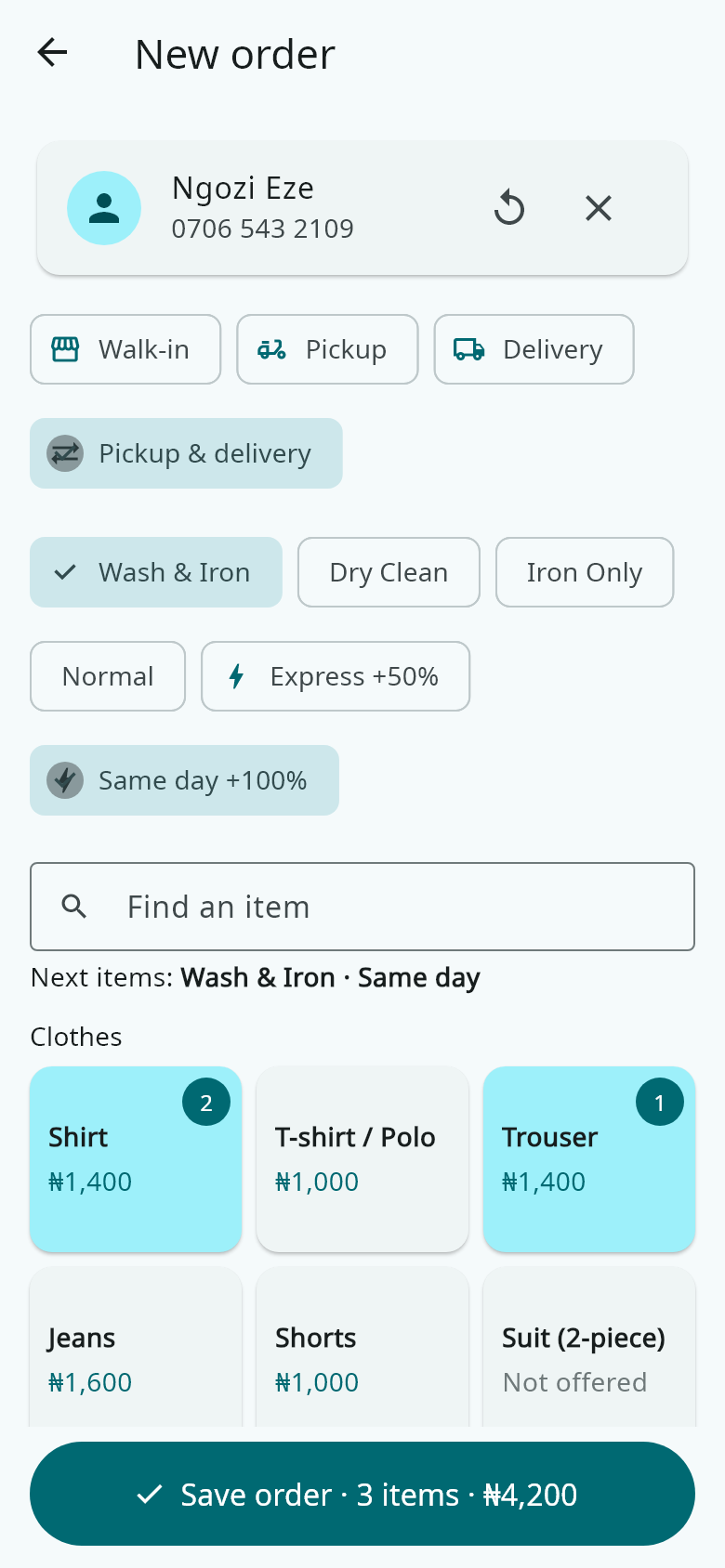
If you do pickups and deliveries, choose Walk-in, Pickup or Delivery. Then choose the service (Wash & Iron, Dry Clean…) and Normal, Express or Same day.
- 3
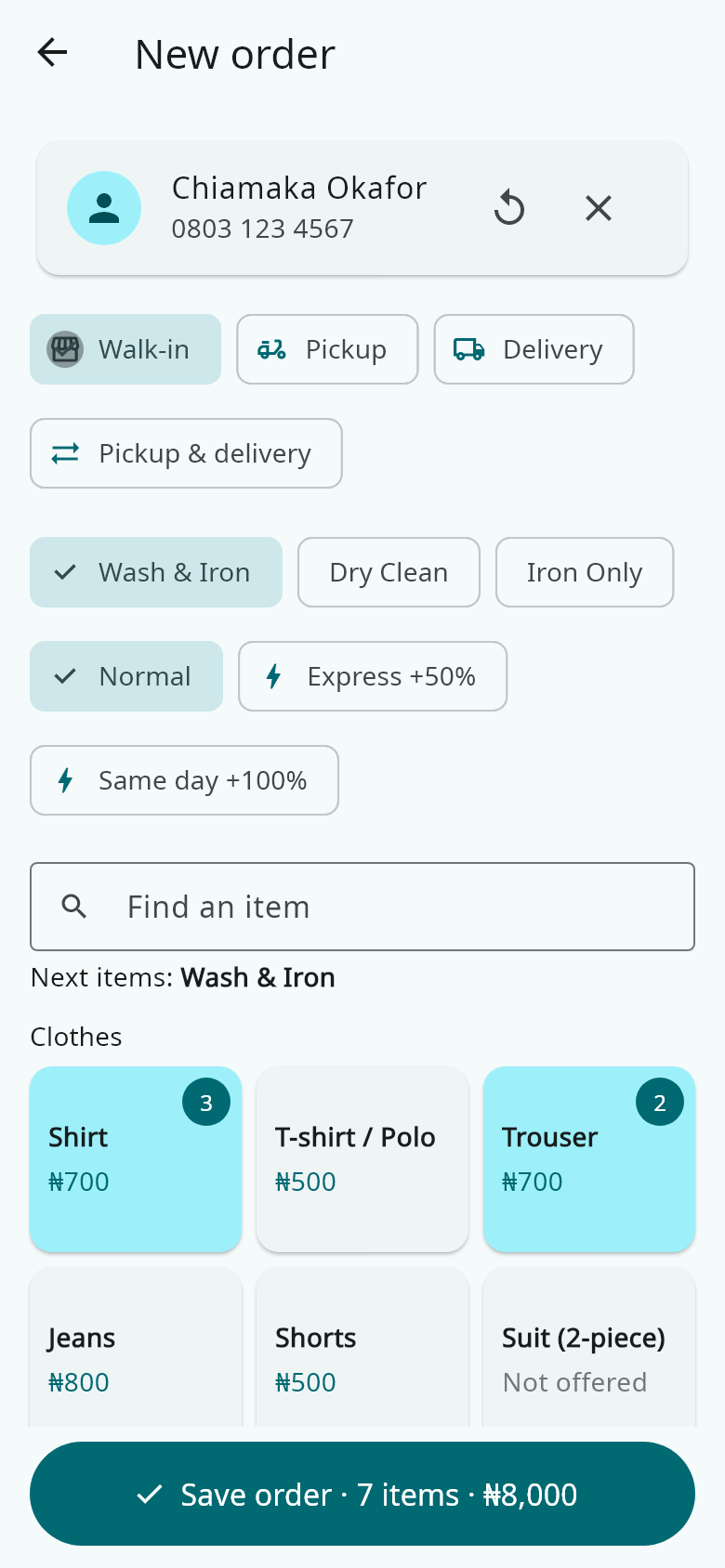
Tap an item once for each piece: three taps on Shirt for three shirts. Long-press an item to type how many. Tap an item in the order to add a note such as "stain on collar".
- 4
If the customer pays now, type the amount and choose Cash, POS or Transfer. Then tap Save order.
- 5
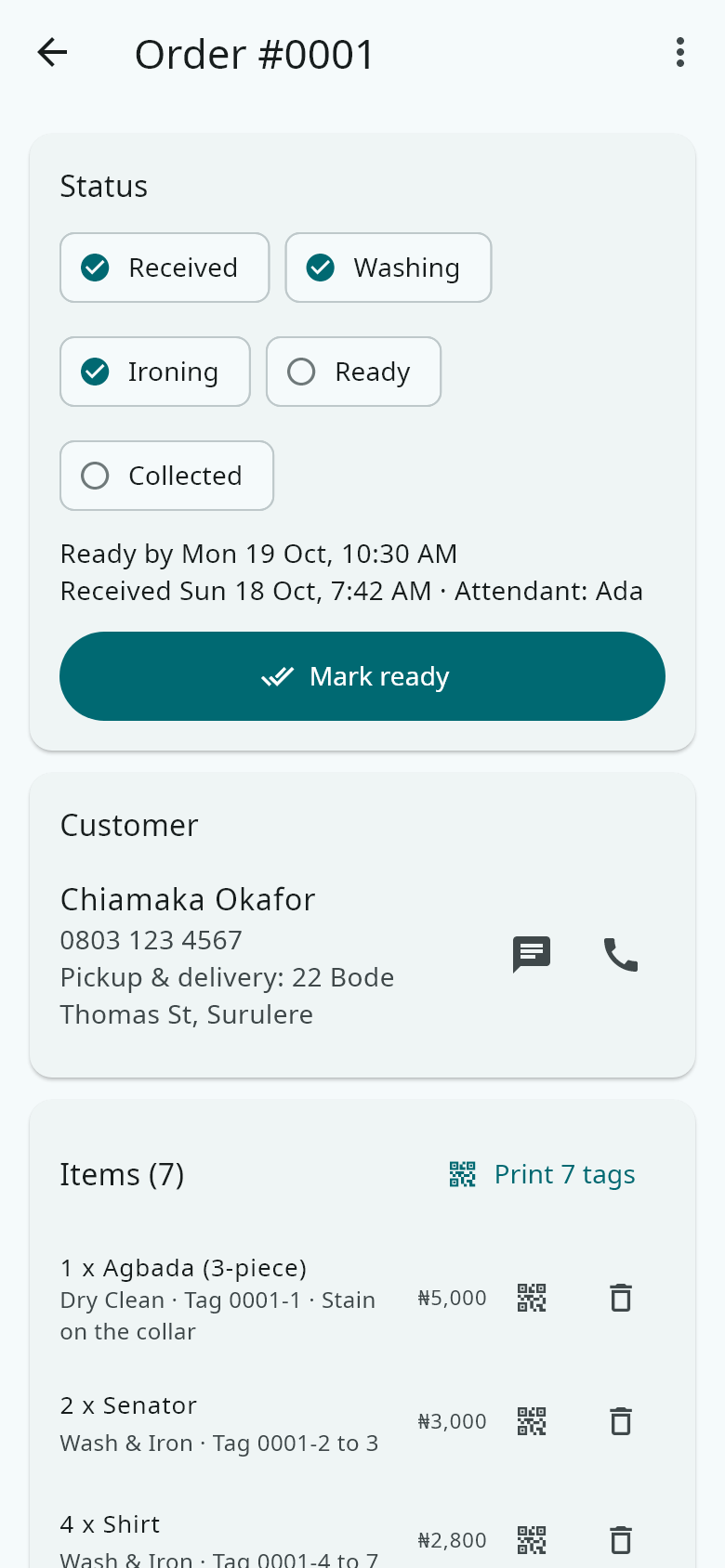
Send the invoice on WhatsApp, print it, or share it as a picture (easy to read on WhatsApp) or a PDF. Print the tags and put one on each item.