Guide 4 · on a PC
Ready, payment and collection
Move orders along, tell the customer, take the balance.
- 1
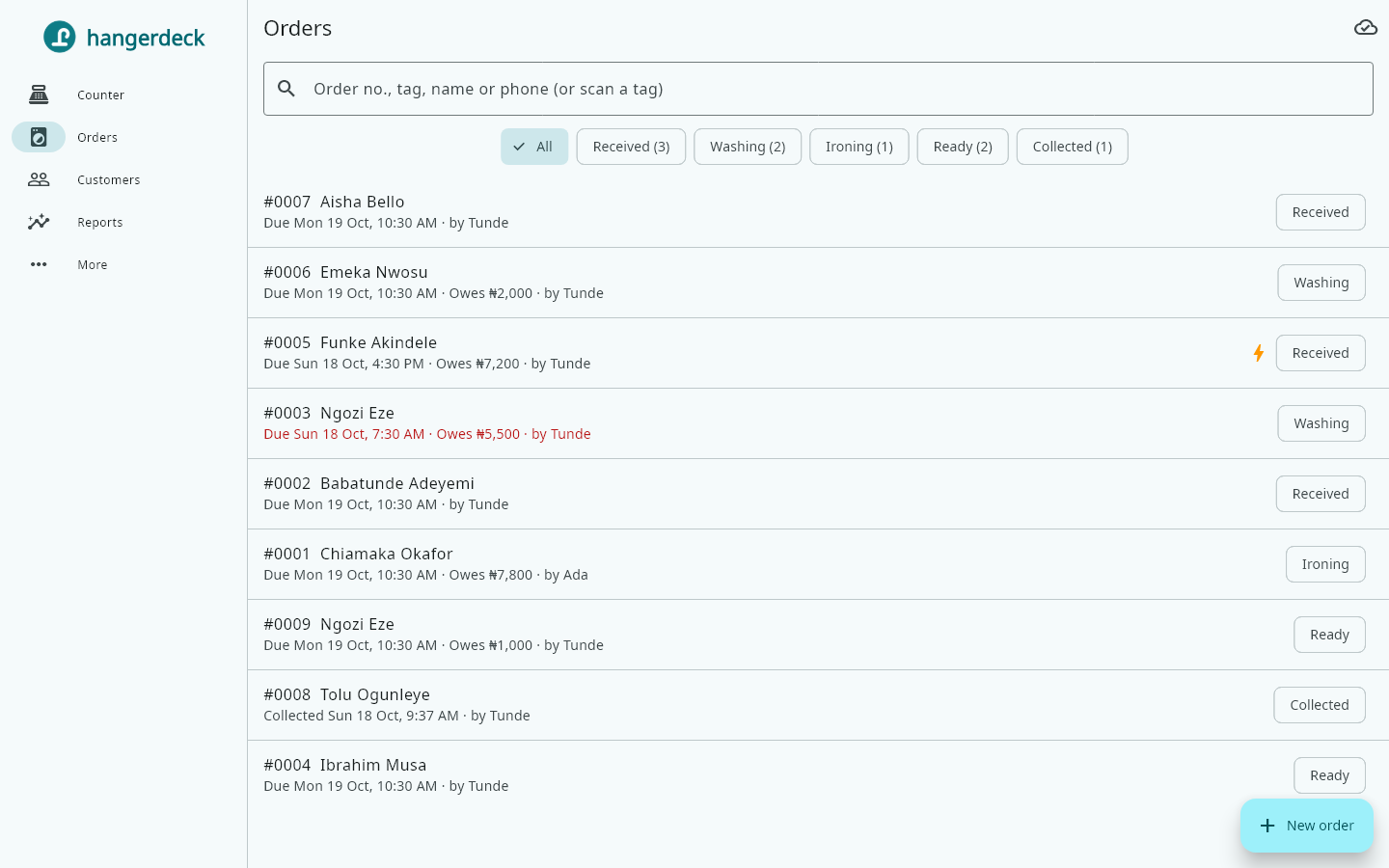
Find an order in Orders by number, tag, name or phone. Open it and move it along: Washing, Ironing, Ready.
- 2
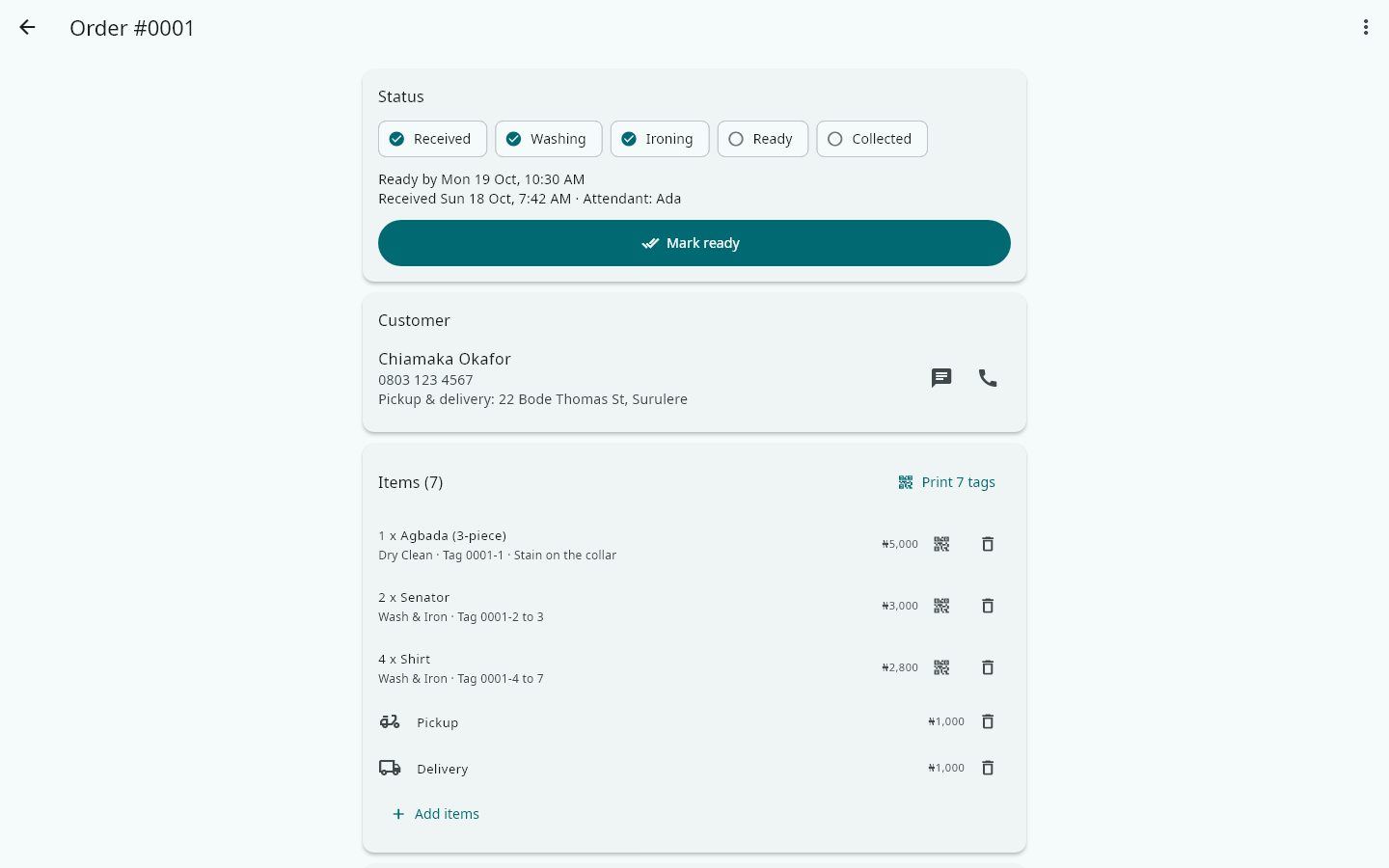
When you mark it Ready, Hangerdeck offers to send the customer a WhatsApp message that their clothes are ready.
- 3
When the clothes go, tap Collected and say who took them: the customer, someone else (type their name), or delivered by your rider.
- 4
If money is still owed, take the payment there. Only a manager or the owner can let clothes go with money still owed, and it is recorded in the Activity log.