Guide 5 · on a phone
Sell packages
Monthly plans like 30 pieces a month, and what is left on each.
- 1
Turn packages on in More → Prices & services → Packages → Sell packages. Then tap Add package.
- 2
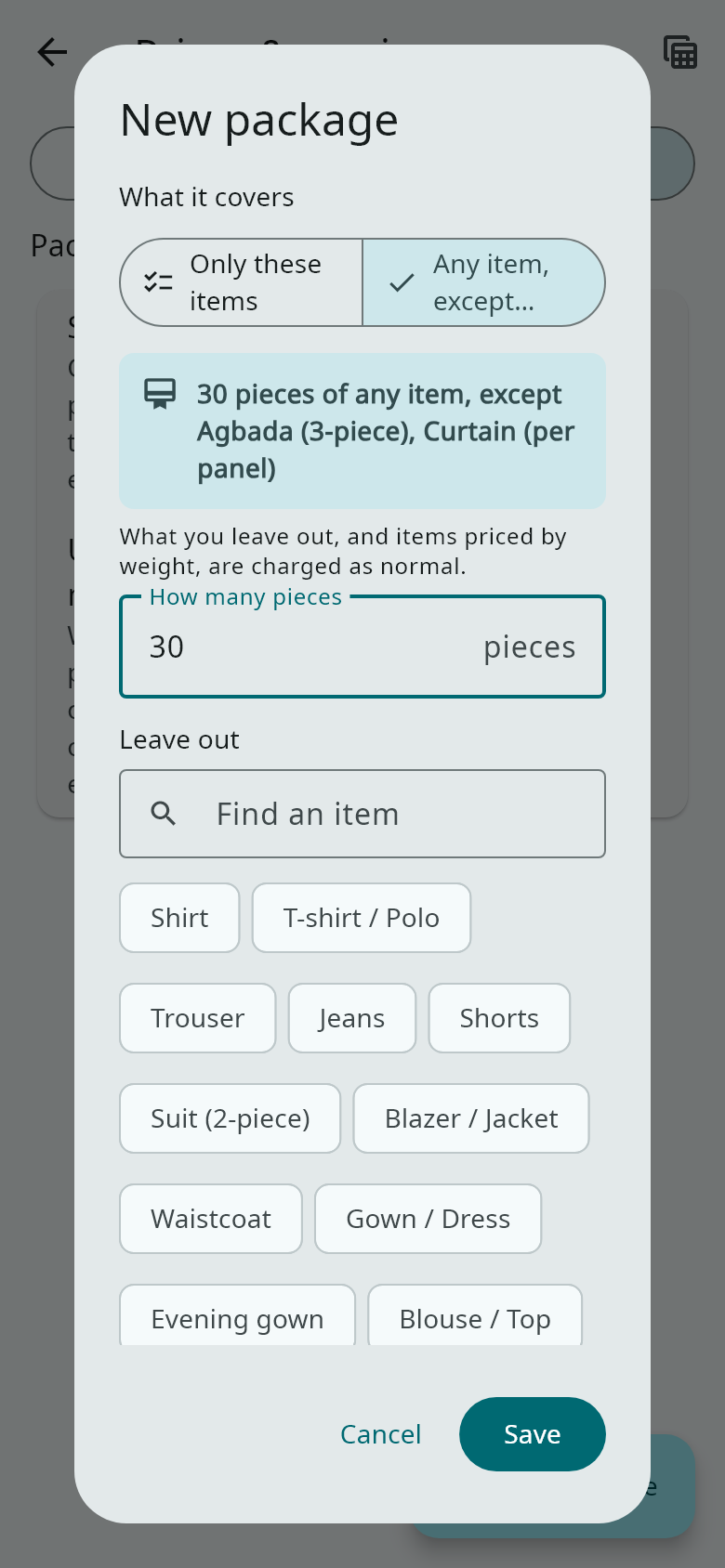
Give it a name, a price and how many days it lasts. Under What it covers, choose Only these items (for example 15 shirts and 10 trousers) or Any item, except… (for example 30 pieces, except duvets and agbada). The summary shows what you have chosen.
- 3
Sell a package from the customer's page (Sell a package) or on New order. It is paid like any order, in full or in parts.
- 4
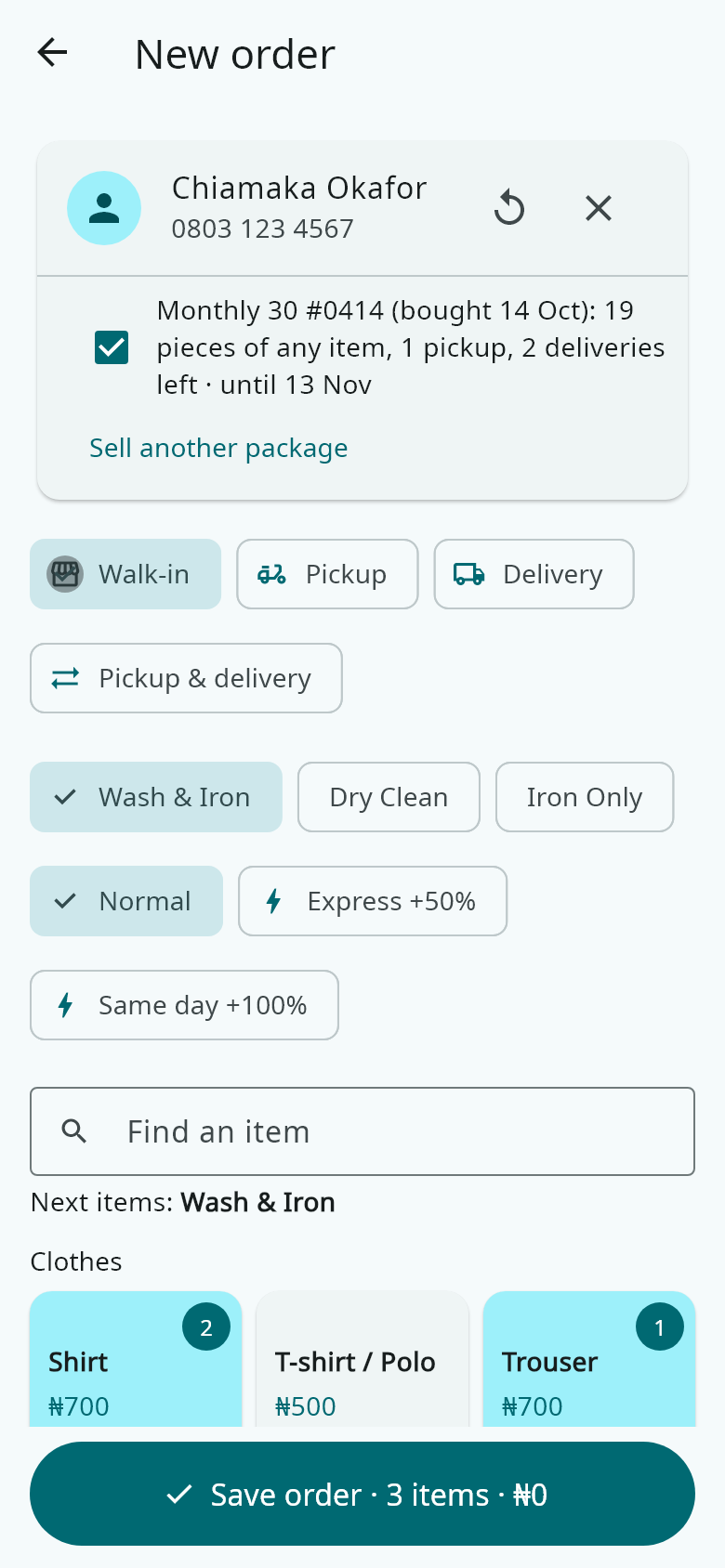
At drop-off, the customer's packages show with what is left. Covered pieces cost nothing, and extras are charged on the same bill. Every receipt shows what was used and what is left.
- 5
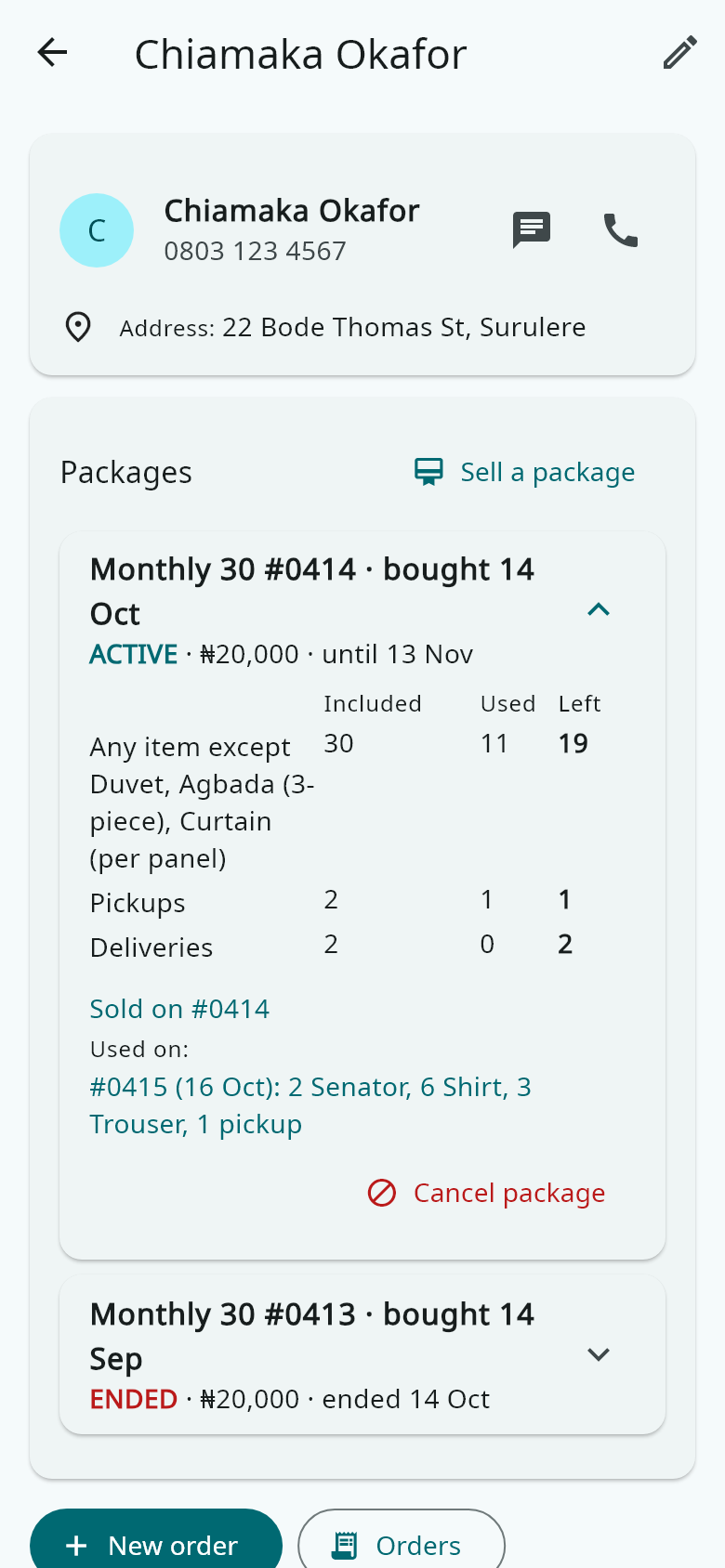
The customer's page lists every package they bought: what is included, used and left, and the orders that used it. A manager can cancel one sold by mistake.